Pro Tip: Want a Head Start? You can build standard grids with the free version, but WP Team Manager Pro unlocks Smart Image Cropping, Popup Modals, and League Management instantly. Start Your 7-Day Free Trial – No Charge Today ->14 Days Money Back Guarantee!
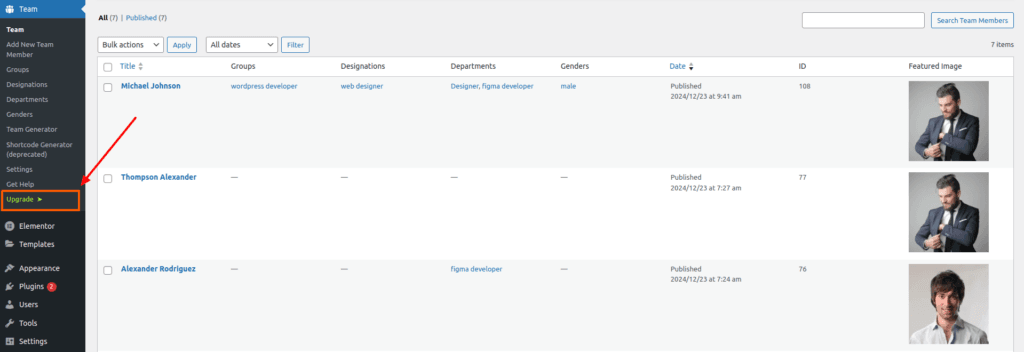
After installing WordPress team manager plugin, you will see an option called Upgrade in our plugin dashboard. After clicking on it, you will see a page to purchase the pro version.
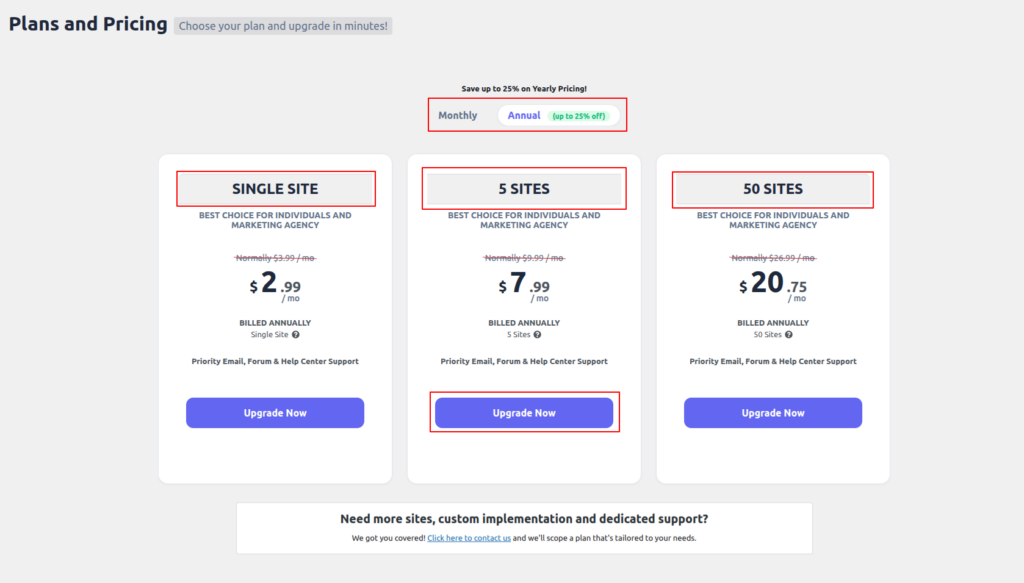
Now you can select the plan of your choice from this menu. You can select the 7-day trial version if you want. Moreover, you can take any of the monthly and annual plans of the pro version as per your wish.
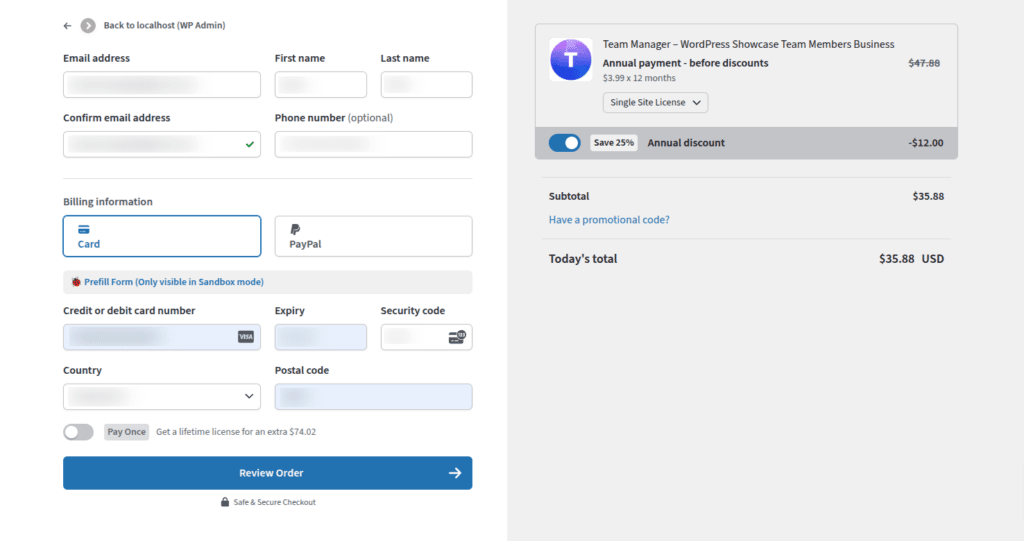
After clicking upgrade, you will be taken to the billing page. Once the process is complete, you will be get an email.
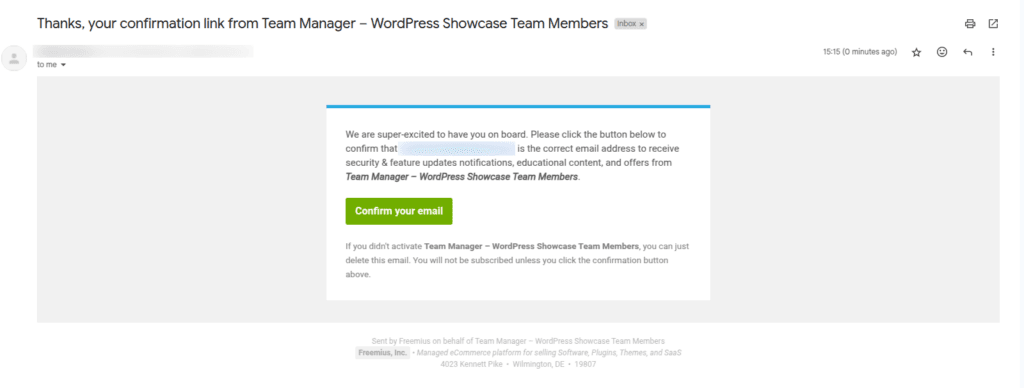
Once you go to your email, you will receive a confirmation email.